
Up to 20 images
Select JPG, PNG, or WebP files with a combined maximum of 100 MB.
For catalogs and repeated work
Add up to 20 images, process two at a time, and download each result separately or in a ZIP.
Open batch processingThe current limit is 20 images and 100 MB per batch. Each completed image uses 1 point.
Add the images and review the credit estimate before starting.
HEIC / HEIF · Prepare a copy of your photo
The image is sent to the configured provider only when you start the process.
Retry only failed files while keeping the results that already completed.
Select JPG, PNG, or WebP files with a combined maximum of 100 MB.
The queue limits concurrency and waits once if the server asks it to slow down.
Keep names, add prefixes, or number files before downloading.
Group up to 20 JPG, PNG, or WebP files and confirm their combined size stays under 100 MB.
Check the credit estimate and review every result; failed files stay separate so you can retry them.
Apply the same canvas, background, subject size, and format to the batch. Save one account setting and prepare a ZIP of one or multiple sizes with consistent names; download successful results only.
It is marked for retry. Successful results remain available, so you do not repeat the whole batch.
Each completed image in a batch uses 1 point and downloads at full size; if one fails, its point is returned.
Synthetic inputs and actual outputs, including product photos and difficult cases. Change the background and zoom in to inspect details.
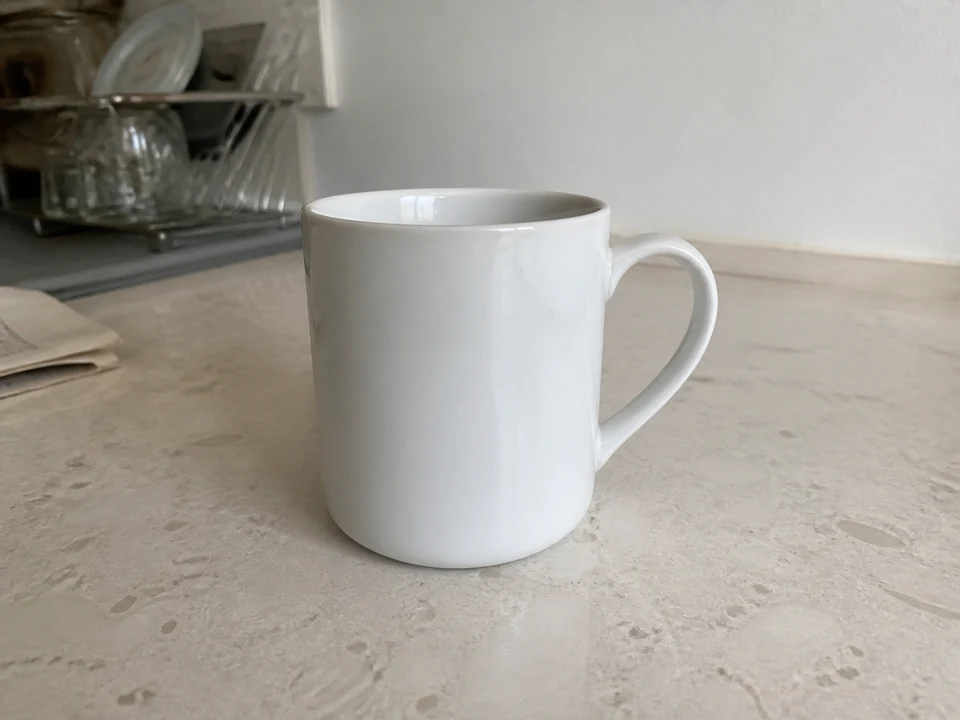
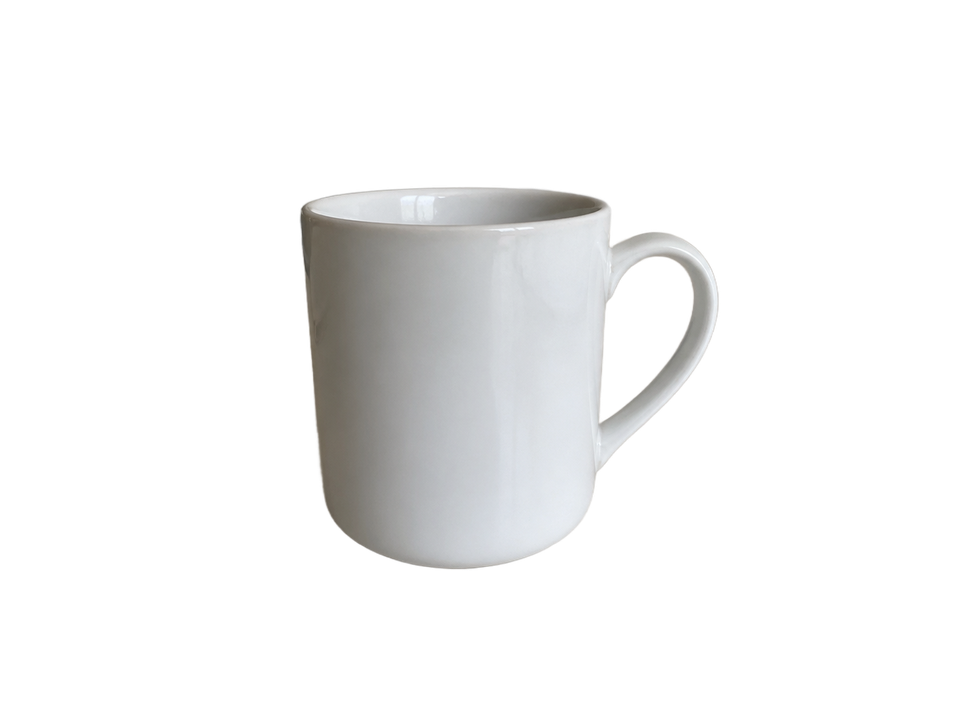
Check the white rim and inside the handle against both backgrounds.
AI-generated input · actual model output · no manual retouching
Tested August 30, 2026 with the standard 851 Labs model. These examples do not represent every user photo.