
Remove the Background from Your Image
Automatic, simple, and ready to download
- No sign-up
- No watermark
- 5 free previews per day
HEIC / HEIF · Prepare a copy of your photo
or drag an image here
you can also paste an image or a URL
JPG, PNG, or WebP · Max 10 MB · Free previews are subject to daily site capacity.
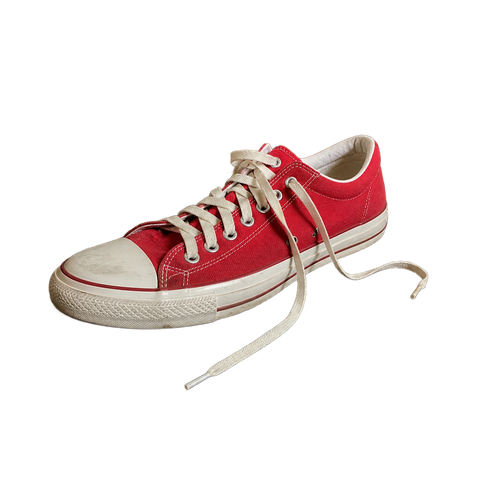
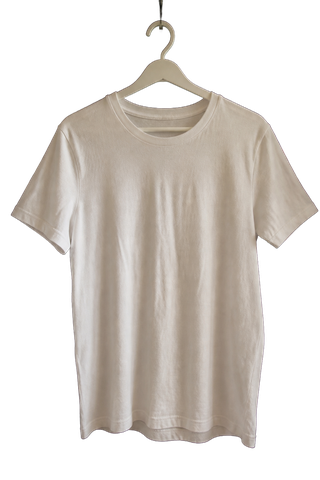
Don't have an image? Try one of these examples:
Clear privacy limits. The image is sent encrypted only when you start processing. Quitar Fondo does not keep a permanent copy; Replicate may temporarily retain the input file for approximately up to 24 hours. Read the privacy policy
One cutout, every destination
Pick where it will be published. We adjust the rest.
Choose the format when you download: background, size and margin adjust on their own, without using another cutout.
TransparentPNG · transparent background Mercado Libre1200 × 1200 · white background Amazon1600 × 1600 · pure white Social media1080 × 1080 · any colour you choose
The whole catalogue? Upload it in one go.
Sign in and process up to 20 photos at once. Review each one and download them together as a ZIP.
Process in bulk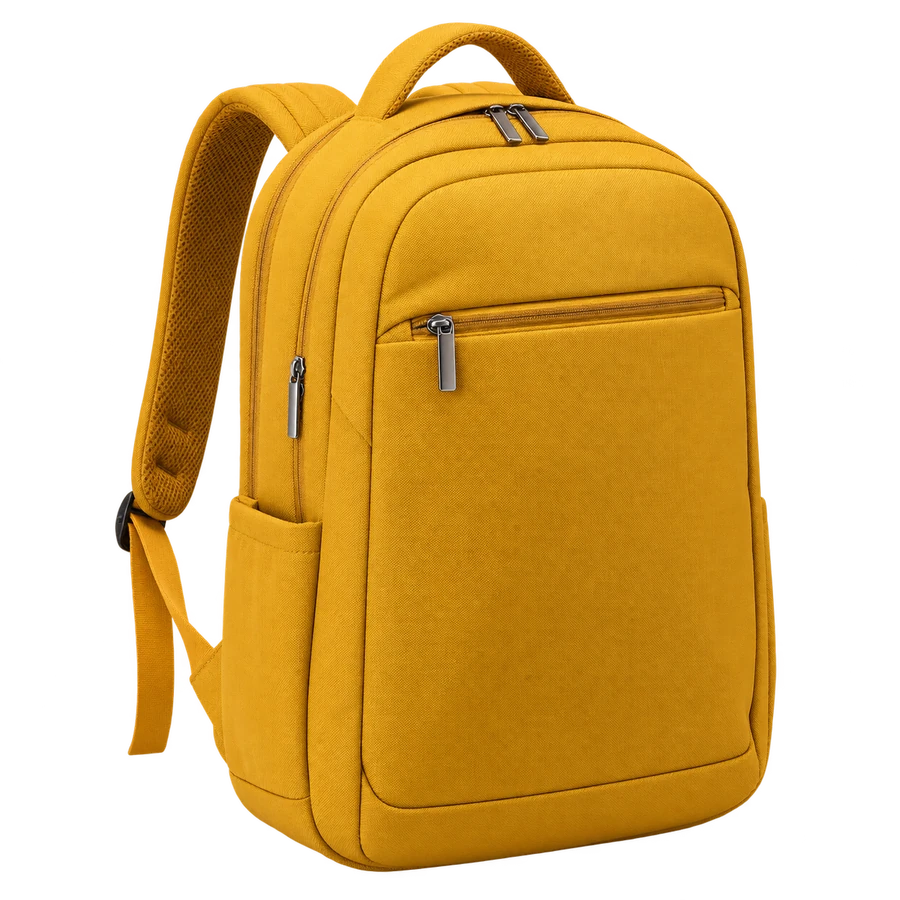
Inspect the actual cutout
Synthetic inputs and actual outputs, including product photos and difficult cases. Change the background and zoom in to inspect details.
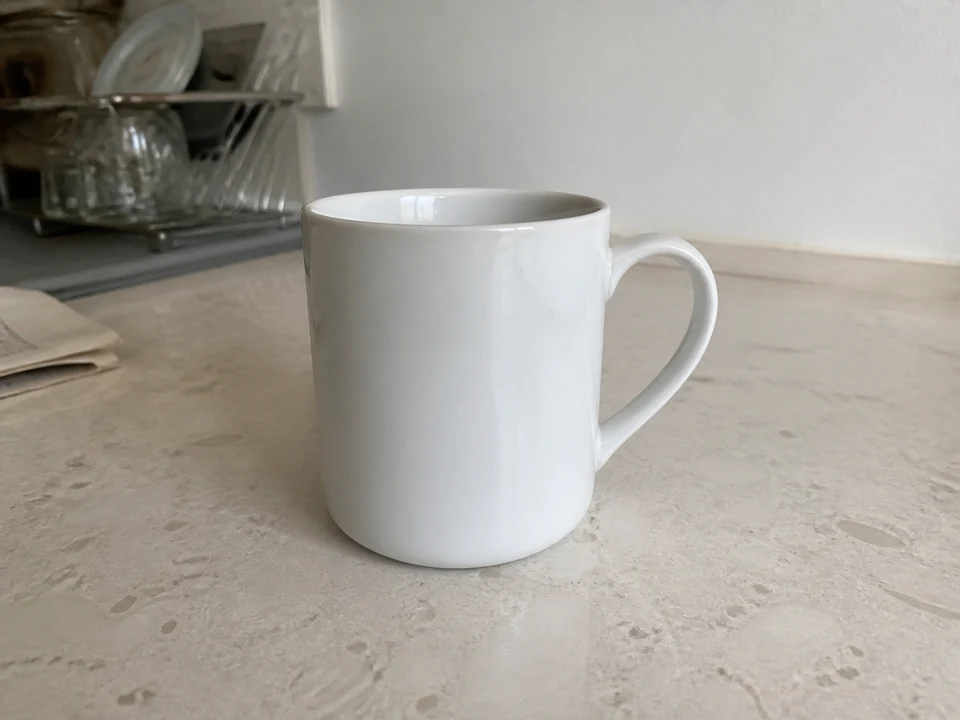
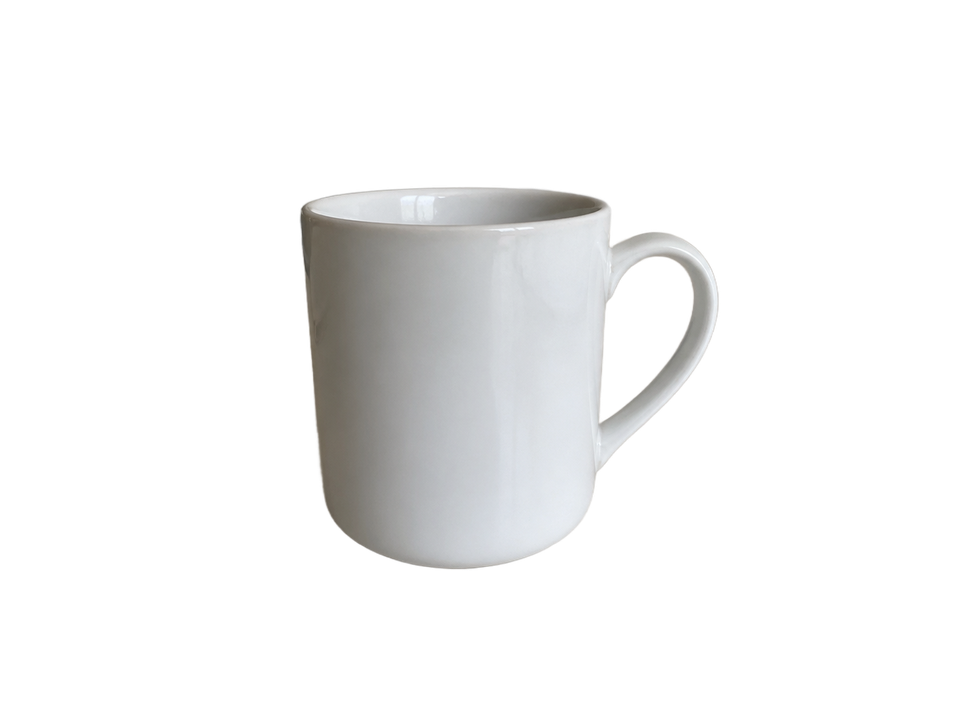
Check the white rim and inside the handle against both backgrounds.
AI-generated input · actual model output · no manual retouching
Tested August 30, 2026 with the standard 851 Labs model. These examples do not represent every user photo.
One image ready for every job
From a product photo to a scanned signature, keep the same simple flow.
Free to start
Need full size? Points from $4.99. If a cutout fails, the point is returned.
Frequently asked questions
Is Quitar Fondo free?
You can remove the background from up to 5 images a day without signing up and download a free preview of up to 0.25 megapixels, with no watermark. Full size uses 1 point.
What formats are supported?
The first version accepts JPG, PNG, and WebP up to 10 MB.
Is the image processed on my device?
No. Selecting an image sends it encrypted to our server and Replicate to remove the background automatically. The privacy policy explains the retention periods.
Are my images stored?
We do not keep a permanent copy of your image or the result. The AI provider may retain uploaded files temporarily (roughly 24 hours at most) under its policy. The details are in the privacy policy.
Can I download with a white background?
Yes. After the cutout you can choose transparent, white, or another color and download a PNG.