
Pure white
The preset uses #FFFFFF and prevents accidental background changes.
For main product images
Cut out the product and use the Amazon preset to export it on pure white at 1600 × 1600.
Upload a product photoQuitar Fondo is independent and is not affiliated with Amazon. Always check current category rules.
The preset locks the background to white and creates a square canvas. Adjust the product before downloading.
The preset uses #FFFFFF and prevents accidental background changes.
The square canvas provides enough resolution to zoom in and review the product.
Control the product's size and position within the final canvas.
Use a focused photo with the complete product visible, no added text or marks, and enough margin to reframe it.
Review edges, reflections, and canvas coverage; the preset applies pure white at 1600 × 1600.
Export the 1600 × 1600 Amazon JPG or prepare a ZIP with more sizes. Review the result and your category’s current rules before publishing.
No. It prepares a white square image, but you must check current requirements for your category.
Yes. Switch presets to use transparency, colors, or your own image.
Synthetic inputs and actual outputs, including product photos and difficult cases. Change the background and zoom in to inspect details.
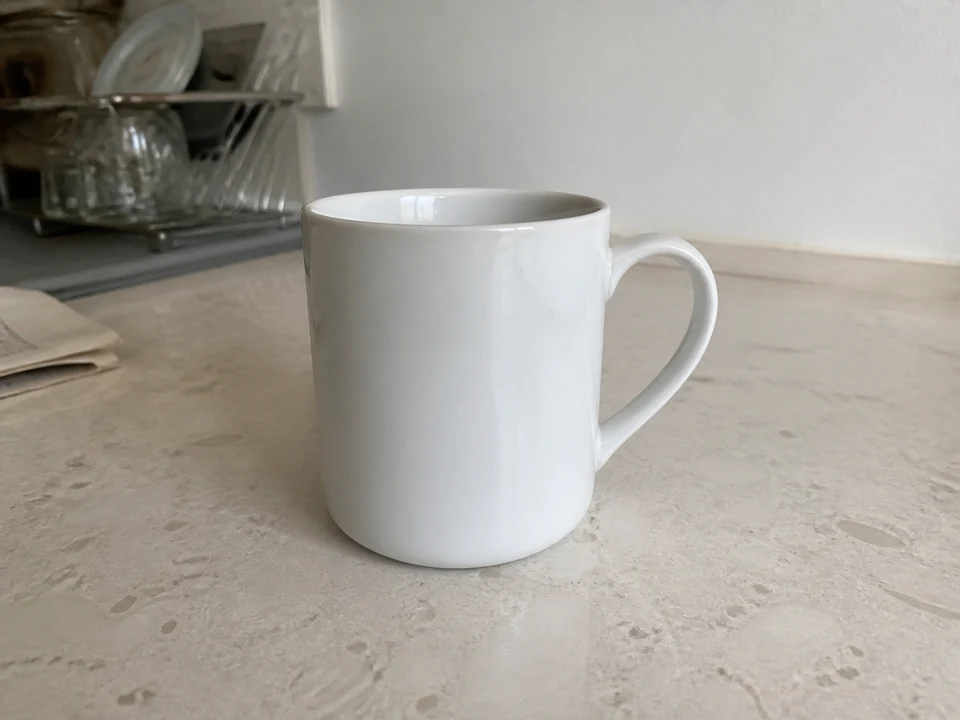
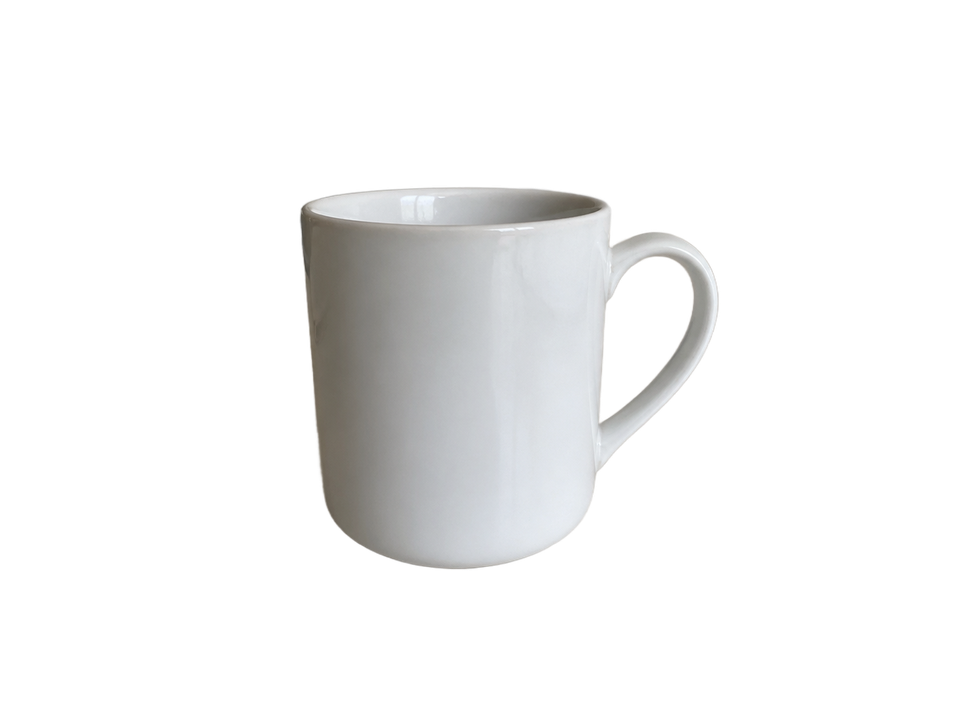
Check the white rim and inside the handle against both backgrounds.
AI-generated input · actual model output · no manual retouching
Tested August 30, 2026 with the standard 851 Labs model. These examples do not represent every user photo.
Remove the background, review the framing, and export it on white.
Create a white backgroundRemove the background, review the framing, and export it on white.
HEIC / HEIF · Prepare a copy of your photo
or drag an image here
you can also paste an image or a URL
JPG, PNG, or WebP · Max 10 MB · Free previews are subject to daily site capacity.
Don't have an image? Try one of these examples:
The image is sent to the configured provider only when you start the process.